Tutorials
See quiklink in action
Short walkthroughs of the whole flow — capture a link (by paste or the browser extension), organize it, and publish a page worth sharing. Recorded from the live app.
Capture a link — two ways, both hands-off
Saving is designed to feel instant, and AI does the filing either way — it writes the summary and suggests tags for you.
Paste to save
Paste any URL and press Save. The card appears instantly, then AI fills in the title, a one-line summary, and suggested tags — no typing, no reading required.
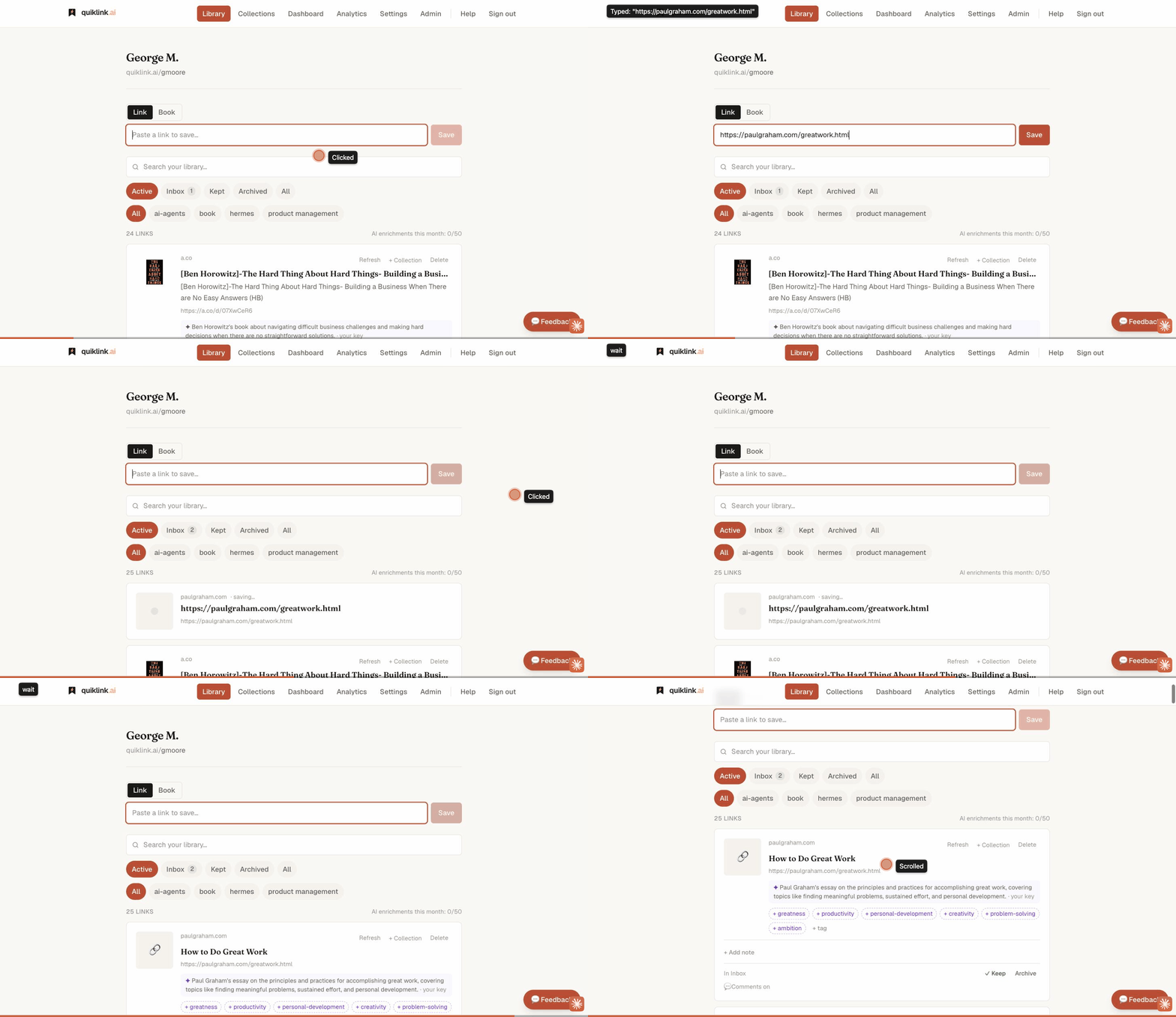
- 1Paste a link into the box at the top of your library.
- 2Press Save — it lands in your Inbox immediately.
- 3AI adds a summary and suggested tags in the background.
Or save in place with the browser extension
Skip the copy-paste entirely. When you’re on a page worth keeping, save it right where you are — click the quiklink button (or the toolbar icon, or right-click → Save to quiklink). It saves in the background and a quick toast confirms it. No tab switch, no pasting.
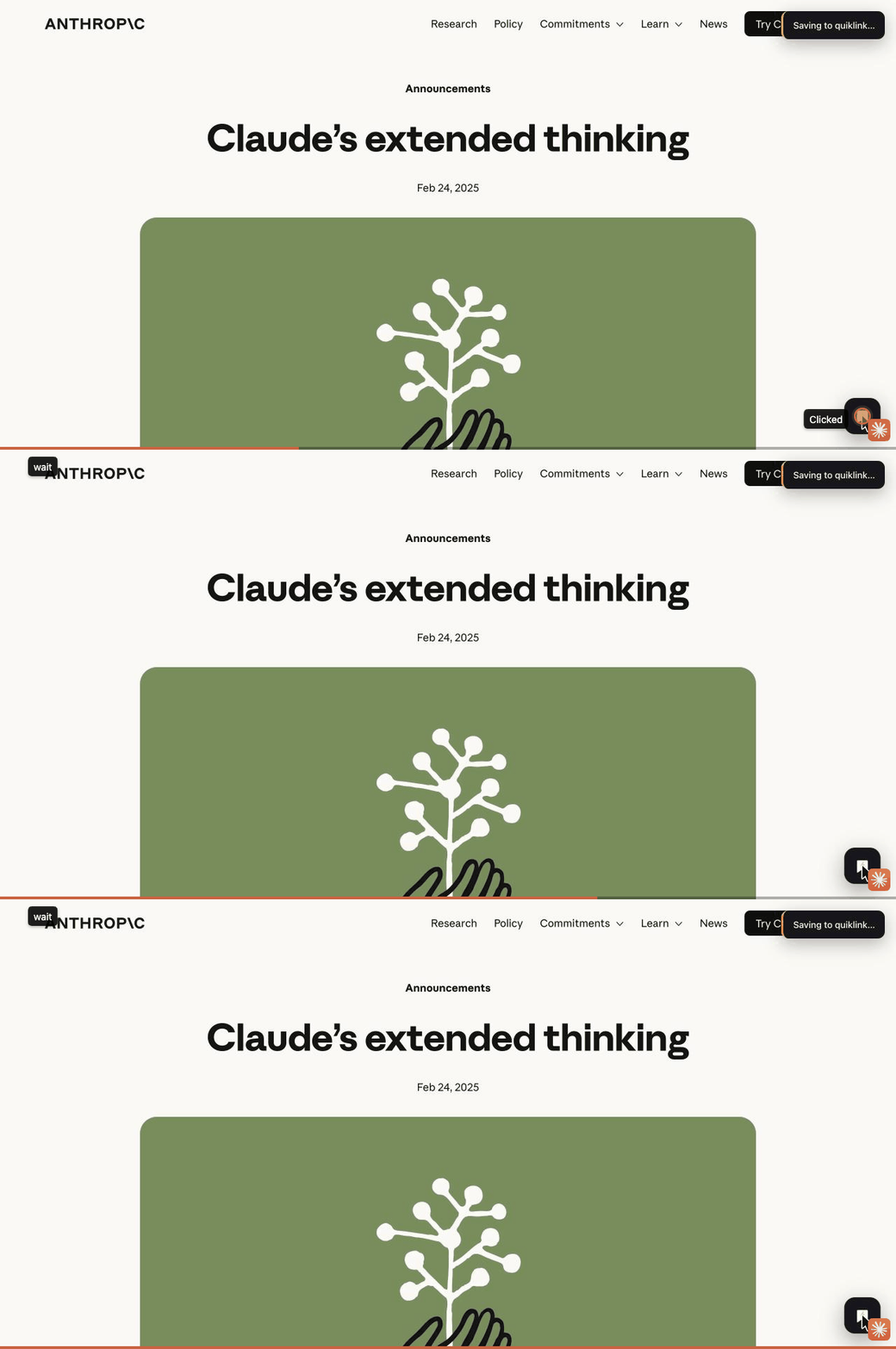
- 1On any page, click the quiklink save button — or the toolbar icon, or right-click → Save to quiklink.
- 2It saves to your library in the background, using your existing login.
- 3A toast confirms it — you never leave the page you’re reading.
Organize into a collection
Group the good stuff into collections you’ll actually revisit. One click files a link — no drag-and-drop, no folders to maintain.
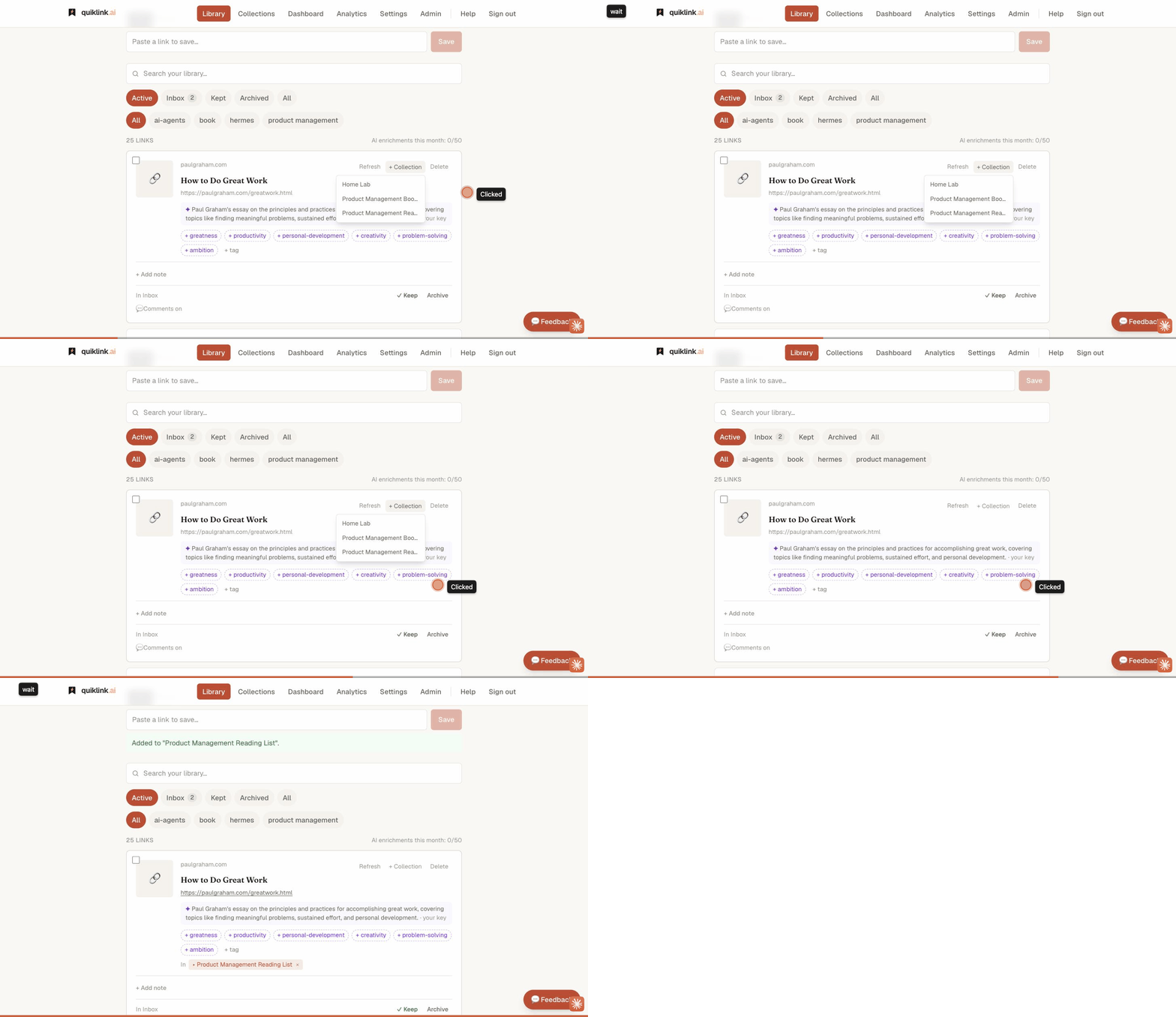
- 1On any link card, click + Collection.
- 2Pick an existing collection (or create a new one).
- 3The link is filed and can clear from your Inbox.
Publish & share a page
Turn any collection into a polished public page at your own handle. Share the link and track every click — while your private library stays private.
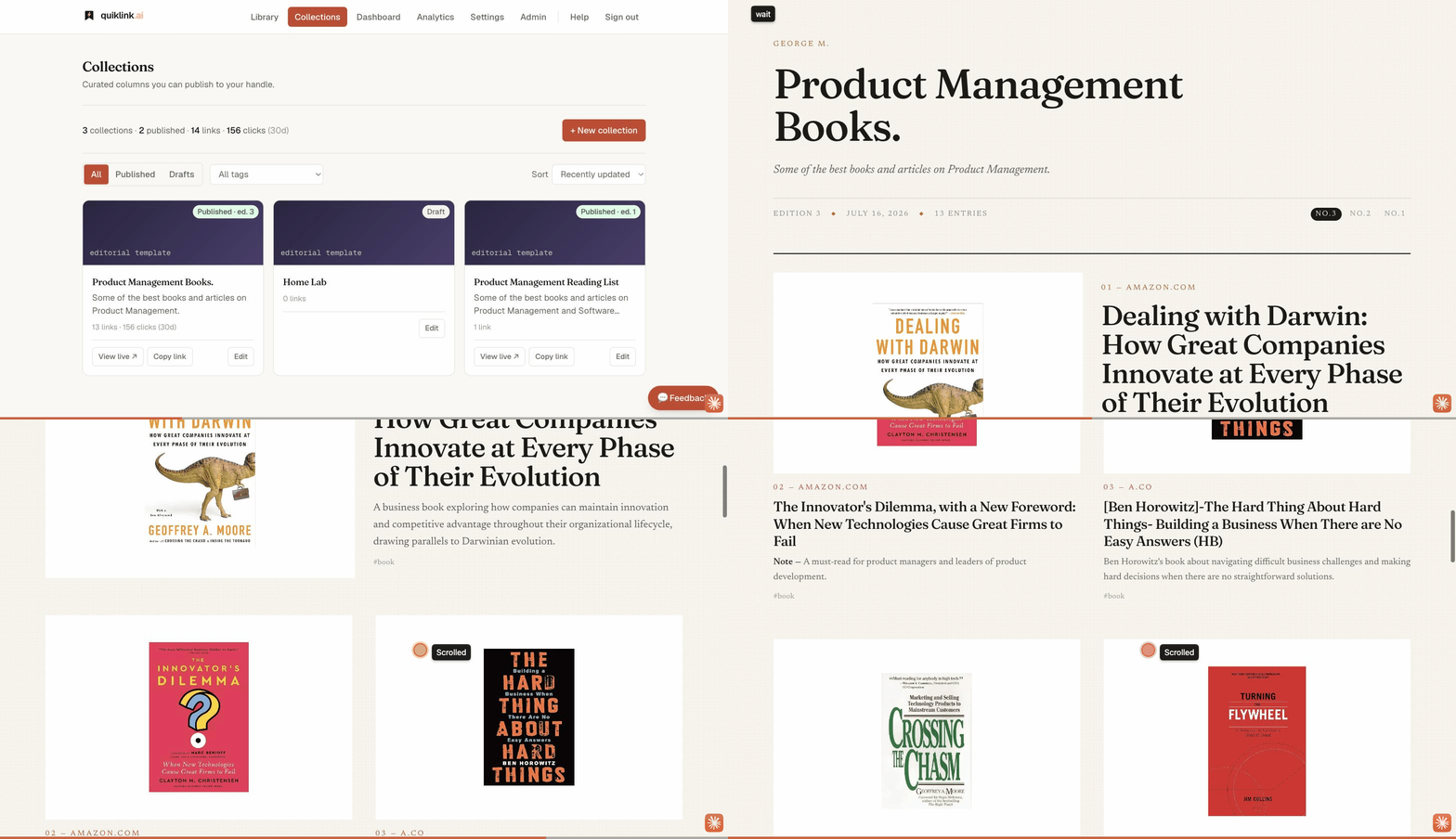
- 1Open a collection and pick a template — editorial or modern.
- 2Publish it: a frozen edition snapshot goes live at your handle.
- 3Share the link. Analytics track every click.
Ready to try it yourself?
It’s free while we’re in beta. Save your first link in seconds, or add the browser extension to save from anywhere.